

TL;DR:
- Effective event planning requires clear goals, timelines, and the right digital tools.
- Using centralized management for guests, vendors, and budgets reduces stress and errors.
- Proactive organization and backup plans ensure smoother execution and a more enjoyable experience.
Planning a personal event or wedding can feel like juggling a dozen spinning plates at once. You have vendors to book, guests to manage, a budget to protect, and a vision to bring to life, all at the same time. Without a clear framework, even the most organized person can feel buried under a pile of to-do lists and unanswered emails. This guide walks you through every stage of the process, from your first planning session to the final guest seated at their table. By the end, you will have a repeatable system that keeps stress low and results high.
Table of Contents
- Getting started: Essential requirements and tools
- Step-by-step planning process
- Managing guest lists, vendors, and seating
- Budgeting and troubleshooting common event challenges
- Why successful events come down to proactive management
- Take your event planning to the next level
- Frequently asked questions
Key Takeaways
| Point | Details |
|---|---|
| Preparation is key | Having all requirements and tools ready simplifies every stage of event planning. |
| Use digital tools | Smart software makes managing checklists, guests, vendors, and budgets smooth and accurate. |
| Prioritize essentials | Focus your energy on must-have elements for a stress-free, memorable event. |
| Stay flexible | Building contingency plans and adjusting priorities prevent last-minute chaos. |
Getting started: Essential requirements and tools
With an understanding of the process, let's review what you'll need before you begin planning. The very first thing to nail down is the type of event you are hosting and how many people you expect to attend. These two factors shape every decision that follows, from venue size to catering costs to the number of vendors you need. A wedding for 200 guests is a completely different beast than a birthday dinner for 30.
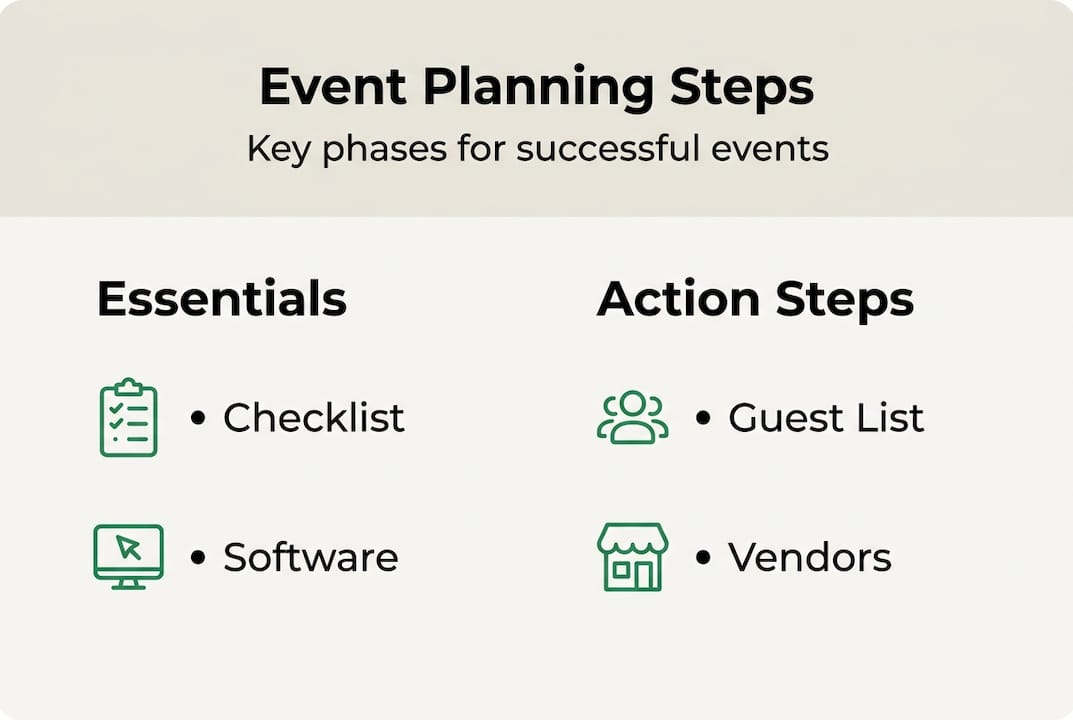
Once you know your event type and scale, you need the right tools. Event planning software streamlines organization by replacing scattered spreadsheets and sticky notes with a single, connected workspace. The difference between managing an event manually versus digitally is significant:
| Feature | Manual (spreadsheets/paper) | Digital planning tools |
|---|---|---|
| Task tracking | Prone to errors and omissions | Automated reminders and checklists |
| Budget management | Easy to lose track of totals | Real-time spending updates |
| Guest management | Slow to update, hard to share | Instant syncing across devices |
| Vendor coordination | Email chains get messy | Centralized contact and notes |
| Seating arrangements | Time-consuming to revise | Drag-and-drop updates in seconds |
The tools every planner should have in their corner include:
- A task checklist to capture every action item
- A budget tracker to monitor spending in real time
- A guest manager to handle RSVPs and contact details
- A vendor database to store contracts and communication
- A visual moodboard to keep your design vision consistent
Pro Tip: Start with a simple event checklist before anything else. Writing down every task, no matter how small, gives you a complete picture of the work ahead and prevents important details from slipping through.
Step-by-step planning process
Now that you're set with the essential tools, it's time to dive into the step-by-step process to ensure nothing slips through the cracks. A structured checklist keeps planning on track and gives you a clear sense of progress as you move through each phase.
- Define your event vision and scope. Write down the purpose of the event, the atmosphere you want, and the non-negotiables. This becomes your decision-making filter for every choice going forward.
- Create a timeline and organize tasks. Work backward from your event date. Assign deadlines to every major task so nothing gets left to the last minute.
- Build and manage your guest list. Collect names, contact information, and any special requirements early. Your guest count drives venue, catering, and seating decisions.
- Source, vet, and book vendors. Research at least three options per vendor category, check reviews, and confirm availability before signing contracts. Use vendor coordination tools to keep all communication in one place.
- Track your budget and adjust as needed. Log every expense as it happens. Compare actual spending against your planned budget weekly so you can course-correct before costs spiral.
Here is a quick reference for key planning milestones:
| Milestone | Recommended timeline before event |
|---|---|
| Set vision and guest count | 12 or more months out |
| Book venue and key vendors | 9 to 12 months out |
| Send invitations | 6 to 8 weeks out |
| Confirm RSVPs and finalize headcount | 3 to 4 weeks out |
| Finalize seating and vendor details | 1 to 2 weeks out |
| Final walkthrough and confirmation | 2 to 3 days out |
Pro Tip: Set calendar reminders for every major deadline. Missing a vendor booking window or an RSVP cutoff can create a cascade of problems that are hard to fix under pressure. Using event checklists with built-in reminders removes the mental load of remembering everything yourself.
Managing guest lists, vendors, and seating
With core planning steps covered, let's tackle the details that make the event run smoothly: guests, vendors, and seating. These three areas are where most planners lose the most time, because they involve constant updates and back-and-forth communication.

Digital management of guests and vendors increases accuracy and reduces stress compared to tracking everything manually. When a guest updates their dietary restriction or a vendor changes their arrival time, a digital system reflects that change instantly for everyone involved.
Here are the best practices to keep these three areas under control:
- Guest RSVPs: Use a guest list manager to track who has responded, who hasn't, and any special requests. Follow up with non-responders at least three weeks before the event.
- Vendor communication: Keep all vendor contracts, contact details, and notes in one place. Confirm logistics with every vendor at least one week before the event.
- Seating arrangements: Group guests thoughtfully, considering relationships and any known conflicts. A seating chart creator lets you move guests around visually as RSVPs roll in, saving hours of manual rearranging.
- Dietary and accessibility needs: Collect this information during the RSVP process and pass it directly to your caterer and venue coordinator.
- Vendor backup contacts: Always have a secondary contact for every vendor in case the primary person is unreachable on event day.
Pro Tip: Use cloud-based tools so that you, your partner, or your planning team can all see and update information in real time. Nothing slows momentum like two people working from different versions of the same spreadsheet. Centralizing vendor coordination in one platform keeps everyone on the same page without endless email threads.
Budgeting and troubleshooting common event challenges
With organization and logistics set, the final layer is managing your budget and preparing for the unexpected. A realistic budget is not just a number on a page. It is a living document that you update every time money moves.
Budget tracking software prevents overspending by giving you a real-time view of where your money is going. Start by listing every possible expense category: venue, catering, photography, florals, entertainment, transportation, and a contingency fund of at least 10 to 15 percent of your total budget.
Common planning mistakes and how to avoid them:
- Underestimating costs: Always get itemized quotes from vendors, not ballpark figures.
- Skipping the contingency fund: Unexpected costs always appear. Build the buffer in from day one.
- Waiting too long to confirm vendors: Popular vendors book up fast, especially for peak season dates.
- Ignoring contract details: Read every cancellation and payment clause before signing.
- Failing to communicate changes: Any update to the schedule or headcount needs to reach all relevant vendors immediately.
"Prioritize spending for maximum impact. Avoid cost overruns by deciding early which elements are essential and which are optional."
When problems do arise, a calm, prepared response makes all the difference. If a vendor cancels, your backup list and contract terms become your best tools. If the guest count shifts dramatically, revisit your venue and catering minimums right away. Schedule conflicts are best resolved by building buffer time into your event timeline from the start.
Pro Tip: Have a contingency plan for vendor cancellations before the event, not after. Keep a short list of backup vendors for your most critical categories and store them in your event budgeting tools alongside your main vendor contacts.
Why successful events come down to proactive management
Having explored budgeting and troubleshooting, let's reflect on what really drives event success. Most people assume that event stress is inevitable, that it simply comes with the territory. We disagree. The majority of planning anxiety does not come from the complexity of the event itself. It comes from last-minute scrambling caused by decisions that were delayed too long.
Here is the contrarian truth: over-planning every single detail is not the answer either. Rigid, exhaustive plans break under real-world pressure. What actually works is flexible, prioritized action. Identify your must-haves early and protect them fiercely. Let the nice-to-haves remain fluid until you have budget and time to spare.
Proactive use of planning checklists and digital tools does not just save time. It shifts your mental state from reactive to confident. When you know every task is captured, every vendor is confirmed, and every guest is accounted for, you can actually enjoy the lead-up to your event instead of dreading it. That mindset shift is what separates a memorable event from a stressful one.
Take your event planning to the next level
Now you understand the essentials. Here's how you can make event planning even easier. WdPlan brings together every tool covered in this guide into one intuitive platform built specifically for events like yours.
From a smart event checklist that keeps your tasks organized, to a powerful guest list management system that tracks RSVPs and special requests, WdPlan handles the details so you can focus on the experience. The budget tracking solution gives you real-time visibility into every dollar spent, and the seating chart features make arranging your guests fast and stress-free. Start your free trial today and discover how much smoother the entire planning process can feel when everything is in one place.
Frequently asked questions
What is the first step in planning an event?
The first step is defining your event vision, scope, guest count, and key objectives. Checklist tools help define your event scope and ensure you capture every requirement from the start.
How can I keep track of my event budget?
Using a digital budget tracker makes monitoring expenses and staying within your limits much simpler. Budget tracking software prevents overspending by giving you a live view of your costs as they accumulate.
What's the easiest way to manage guest RSVPs?
A guest list management app enables tracking RSVPs, meal preferences, and contact info efficiently. The guest list manager keeps all responses in one place so nothing gets missed.
How do I handle last-minute vendor cancellations?
Have backup vendors ready and review contracts for cancellation terms to minimize disruption. Keeping all agreements in a vendor coordinator tool means you can access key details instantly under pressure.
How can I make seating arrangements easier?
A seating chart creator simplifies placement for guests and allows quick updates as RSVPs come in. The seating chart creator lets you drag and drop guests into new positions without rebuilding the entire layout.